
Company Background
CRDN is a property restoration network with 150+ locations across the US, Canada and Europe and about 5,000 employees. When a home or business is damaged by water, fire or another disaster, CRDN’s crews restore the property and its contents. Every property is documented in photos before and after restoration, typically 70 to 150 photos each, as proof for the owner’s insurance claim. Across the network, CRDN restores about 2,000 properties a month.
CRDN runs on Microsoft: SQL Server, SharePoint and Dynamics.
Challenge
CRDN’s crews used an in-house PowerApps app on iPads to photograph and record properties. It got them started, but as usage grew it hit its limits:
- Sync errors. Working offline and syncing later was unreliable. Some data captured in the field never reached the server, which is a serious problem when the records support insurance claims.
- Rising crash rate. The app crashed more often as the number of jobs and photos grew.
- Hard to extend. CRDN’s developers found new features increasingly difficult to build in PowerApps.
- Form-like experience. PowerApps limited how the screens could look and work. Crews were filling in forms instead of using an app designed for fast work on site.
In 2022 CRDN asked SharpQuest to build a new mobile app to replace it.
What SharpQuest Did
- Reviewed the existing app and interviewed CRDN’s team
- Designed a new UI/UX for field crews
- Built an offline-first iPad app
- Integrated with CRDN’s existing APIs
- Released on the App Store in about four months
- Added features through 2023, then handed over to CRDN’s in-house team
Solution
We started with the people using the app. We went through every function of the PowerApps app and interviewed CRDN’s technical team about how crews document a damaged property. The new design was built around a few rules:
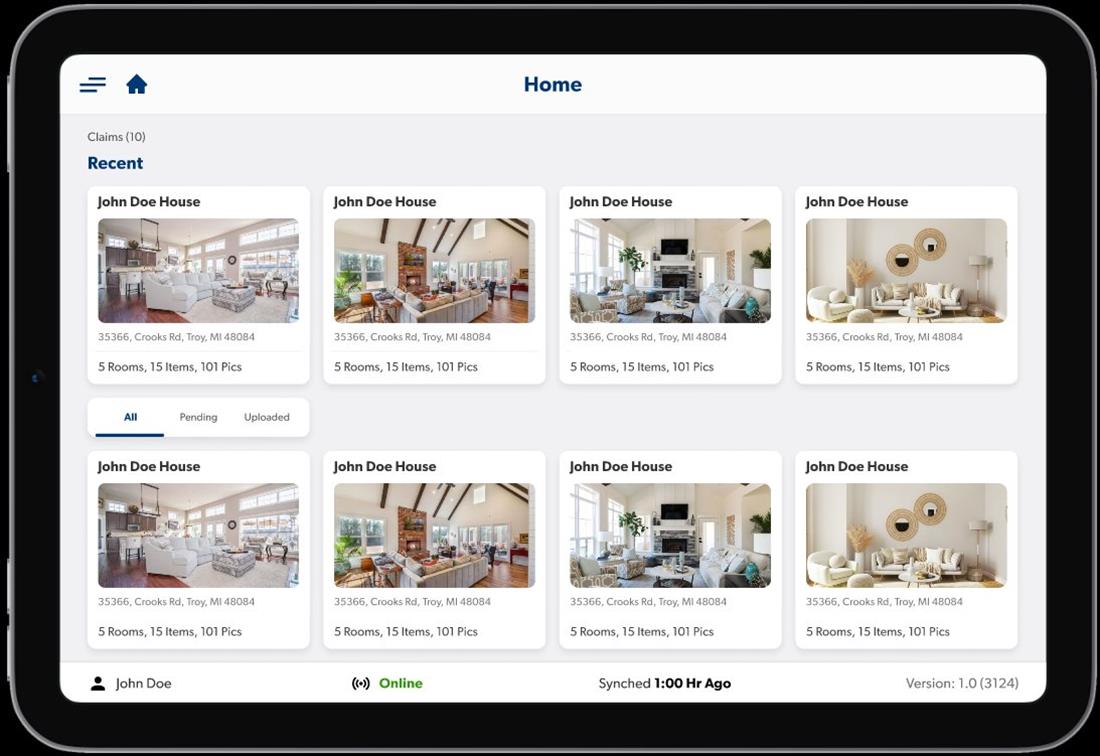
- Get anywhere in as few taps as possible.
- Keep the properties a crew is actively working on at the top.
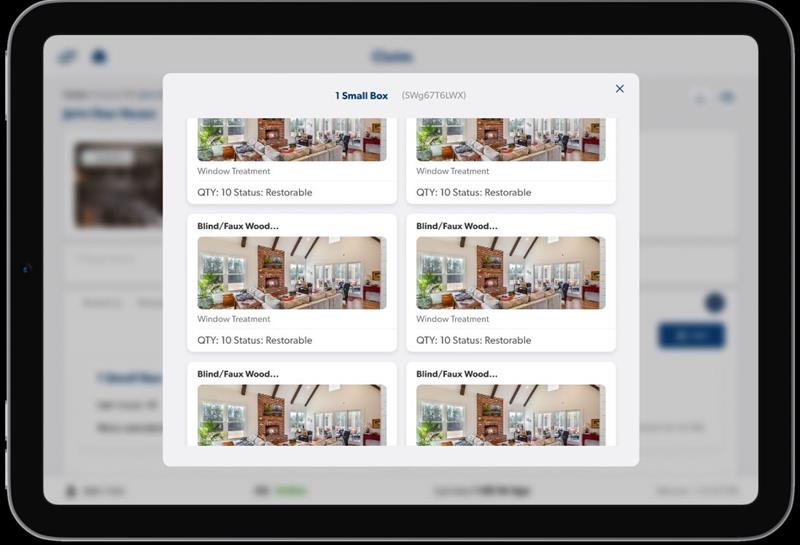
- Follow the way crews work, property → room → item, with a breadcrumb so they always know where they are and can step back.
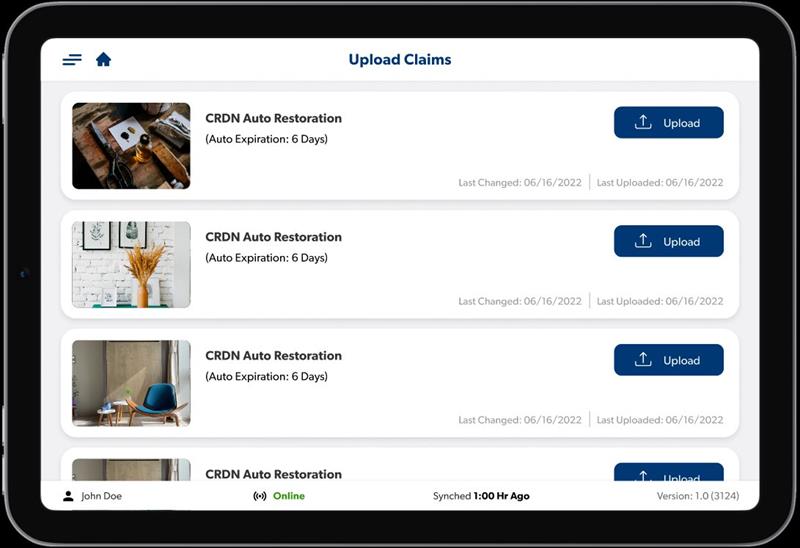
- Show that there’s more to see: lists and photo strips are cut off at the edge of the screen so crews know to scroll.
The result looked and felt like a modern iPad app, not a set of forms.
We built CRDN FSA in Xamarin.Forms with C#. CRDN already had APIs in place, so the app plugged into their existing Microsoft systems without backend changes.
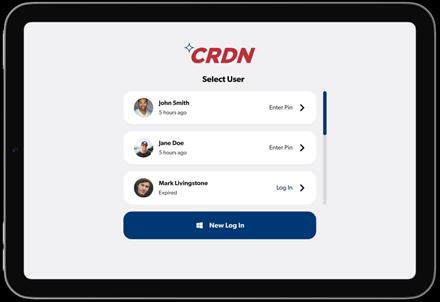
The app stores everything on the iPad in SQLite first and syncs with the server whenever a connection is available. Crews can keep capturing photos and notes where there’s no signal, and nothing waits on the network. With 70 to 150 photos per property, the photo gallery had to stay fast and easy to scan.
To keep the app consistent and speed up development, we built reusable controls for the photo gallery and notes, used across properties, rooms and items. We also added a signature screen so crews can get the property owner’s sign-off on the iPad.
Outcomes
CRDN FSA was published on the App Store and used by CRDN’s field crews, a user base of 1,000+ people across 150+ locations.
The biggest change was the experience itself: crews moved from a form-based PowerApps app to a polished, purpose-built iPad app that follows the way they work on site. Crashes and sync errors were reduced, and the few field issues after launch, caused by iPads running low on storage, were handled in regular maintenance.
CRDN also got an app it could keep building on. After launch it asked us for multi-language support, changes to how items are grouped into containers, and barcode and QR code scanning. In 2023 we handed the app over to CRDN’s in-house team.
We combined field-app UX design, offline sync experience and Microsoft platform knowledge to replace CRDN’s app without changing the systems it already relied on.