On this page
Key takeaways
- For automotive suppliers, the practical AI value today is in quoting, quality, planning, the plant floor and the back office, not in the vehicle.
- Use cases built on documents you already have (RFQ packages, specs, 8D reports, PPAP files, material certs, purchase orders) are usually the quickest to start, because there's no new data to collect.
- Predictive maintenance and visual inspection pay off, but they need sensor data, camera images and a history of failures or defects first.
- AI works alongside your ERP, MES and quality systems. Nothing has to be replaced.
- Start with one measurable problem, pilot it on your own data and keep a person reviewing the results.
Say "AI in the automotive industry" and most people picture self-driving cars. But for the Tier 1 and Tier 2 suppliers we talk to, the useful AI is far less visible: reading the RFQ packages and certs that pile up every day, finding answers buried in engineering and quality files, and spotting problems before they turn into scrap, downtime or a warranty chargeback.
Below are 10 practical use cases for automotive suppliers, grouped by where they sit in the business. For each one we cover what it does, what data it needs and how hard it is to get started, because that last part decides which projects actually pay off.
At a glance
| Use case | Who uses it | What you need | Effort to start |
|---|---|---|---|
| 1. Predictive maintenance | Maintenance | Sensor data and a record of past failures | Higher |
| 2. Visual quality inspection | Production, quality | Cameras and labeled images of good and bad parts | Higher |
| 3. Scrap and process analysis | Manufacturing engineering | Process data and scrap records by part and lot | Medium |
| 4. Warranty returns and chargebacks | Quality | Customer claim data and returned-part findings | Medium |
| 5. Engineering and quality knowledge search | Engineering, quality | Specs, 8D reports, PFMEAs, test reports | Lower |
| 6. PPAP and material certs | Quality, purchasing | PPAP packages, material certs | Lower |
| 7. RFQ review and quoting | Sales, estimating | RFQ packages and past quotes | Lower |
| 8. Release forecasting | Planning | Customer release history and shipments | Medium |
| 9. Sub-tier supplier risk alerts | Purchasing | Delivery and quality history per supplier | Medium |
| 10. Order and invoice processing | Back office | POs, invoices, packing slips, bills of lading | Lower |
On the plant floor
1. Predictive maintenance
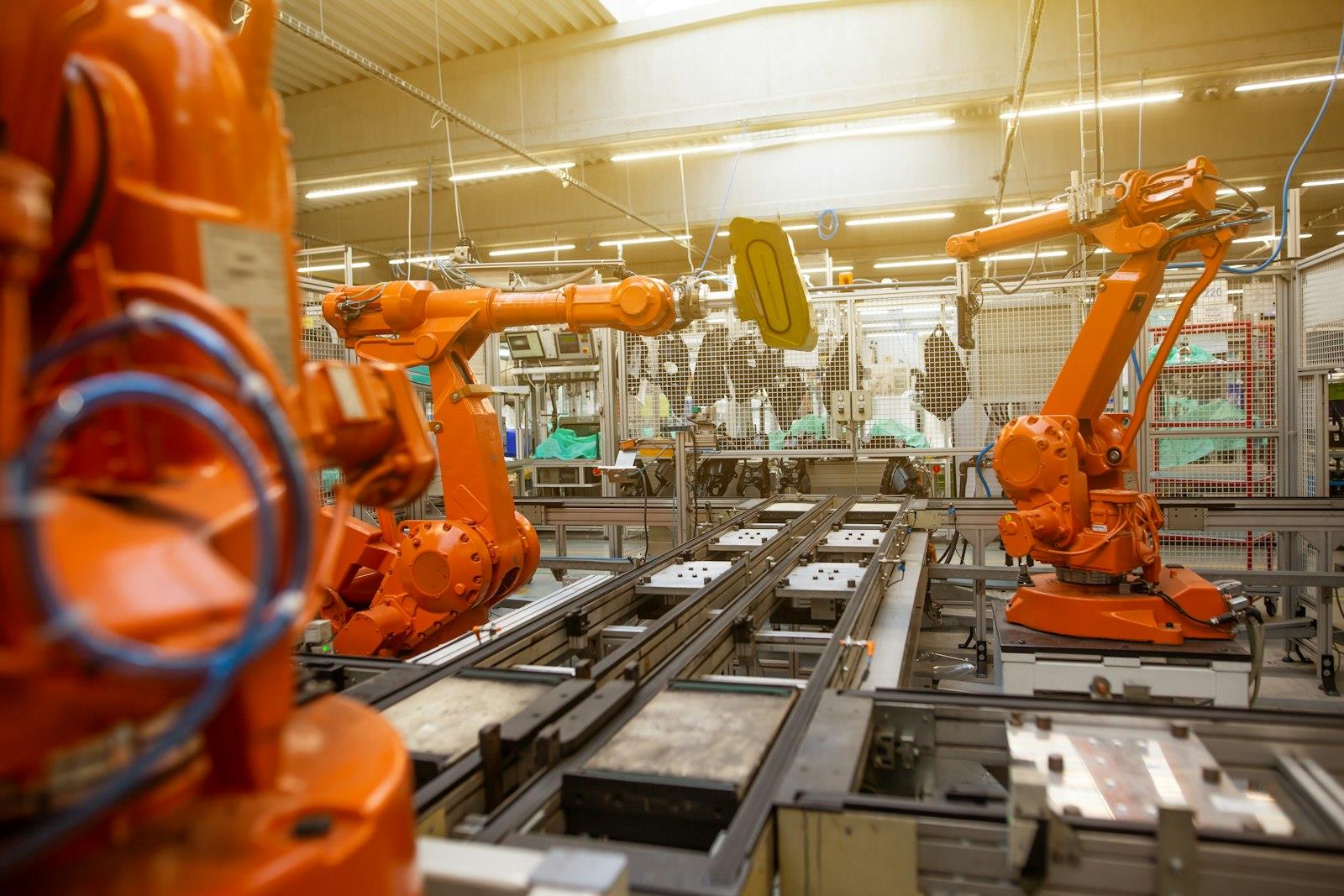
A stopped line is expensive, and missing a customer shipment because of it is worse. Most breakdowns give warning signs first: rising vibration, temperature or motor current. Predictive maintenance models learn what normal looks like for a machine and alert the maintenance team when a robot, press or spindle starts drifting away from it, so the repair happens in a planned window instead of mid-shift.
What it needs: sensor data from the equipment (often through the PLCs or a historian), and a record of past failures for the model to learn from. If your machines aren't instrumented yet, collecting that data is step one. Many plants start with simple threshold alerts and move to AI once they have a few months of history.
2. Visual quality inspection
Computer vision inspects parts on the line from camera images: surface and paint defects, weld appearance, missing clips or fasteners, wrong part variants. Unlike a person at the end of a long shift, it checks every part the same way, which matters when one escaped defect can mean a containment at your customer's plant.
What it needs: cameras with consistent lighting, and a set of labeled images showing good parts and each defect type. Defects that are rare are the hardest to train for, so plan time to collect examples. Inspection results should feed your quality records, not sit in a separate screen.
3. Scrap and process analysis
When scrap goes up, the cause is usually in the process data somewhere: a temperature, pressure, cycle time, material lot or tool change. AI can compare process parameters with scrap and rework records across thousands of cycles and point to the combinations that come before bad parts, so engineers know where to look first.
What it needs: process data per part or lot (from the machines, MES or SPC system) and scrap records you can link to it.
In quality and engineering
4. Warranty returns and chargebacks
When a part fails in the field, the supplier gets the claim data, the returned parts and often a chargeback. The useful detail is in free text: the complaint, the repair technician's notes and your own teardown findings. AI can read that text, group claims that describe the same problem in different words, and link them to your part numbers, build dates, lines and material lots. A pattern shows up after a handful of claims instead of a few hundred, and you have the data ready when you dispute a chargeback.
What it needs: the claim data your customers share (often from their supplier portals), returned-part findings, and the production records to link them to.
5. Engineering and quality knowledge search
Every supplier has years of knowledge locked in documents: customer-specific requirements, drawing notes, test reports, PFMEAs, control plans, 8D reports and lessons learned. When a new problem comes up, the answer to "has this happened before, and what did we do?" is often in there, if someone can find it.
A generative AI assistant can search your own documents, answer questions in plain language and show the source document for each answer, so engineers can check it. This is the "chat with your documents" use case, and it usually runs on Azure OpenAI, where your documents aren't used to train the models and can stay in your own Azure subscription. That matters when the documents include your customers' confidential drawings.
What it needs: the documents, in whatever folders or SharePoint sites they live in today, and a decision about who may see what.
6. PPAP and material certs
PPAP submissions from your own suppliers, material certifications and inspection reports arrive as PDFs in every layout. Someone checks that all the required elements are there and that the values on a material cert meet the specification, often by reading them line by line.
AI document processing can read each document, pull out the values (heat number, chemistry, mechanical properties, dimensions), compare them with the specification and flag anything missing or out of range for a person to review. See AI document processing vs OCR for how this differs from older template-based scanning.
What it needs: sample documents and the rules your quality team already applies by hand.
In sales and the supply chain
7. RFQ review and quoting
An OEM or Tier 1 RFQ package can run to hundreds of pages: drawings, specifications, customer-specific requirements, volumes, packaging and timing. Estimators read all of it to find what affects cost and risk before they can quote, usually against a tight deadline.
An AI assistant can read the package, list the key requirements (materials, tolerances, testing, annual volumes, packaging, PPAP level), flag anything unusual compared with similar parts you've quoted before, and find those past quotes for reference. The estimator still makes every pricing decision; they just start from a summary instead of a stack of PDFs.
What it needs: the RFQ packages and access to your past quotes, wherever they're stored.
8. Release forecasting
Customer releases (EDI 830 planning schedules and 862 shipping schedules) change week to week, and suppliers learn over time which customers' forecasts can be trusted and how far out. AI can learn the same thing from history: comparing past releases with what was actually shipped, and adjusting the forecast you plan material and capacity against.
What it needs: a history of releases and shipments, ideally a couple of years, from your ERP or EDI system.
9. Sub-tier supplier risk alerts
Shortages rarely come without warning. Late deliveries creeping up, rising reject rates or a supplier quoting longer lead times are all signals. AI can watch delivery and quality performance per sub-tier supplier and part number and flag the ones trending the wrong way, so purchasing can find a second source or build stock before your customer's line is affected.
What it needs: receiving, delivery and quality data per supplier, which most ERP systems already hold.
In the back office
10. Order, invoice and shipping document processing
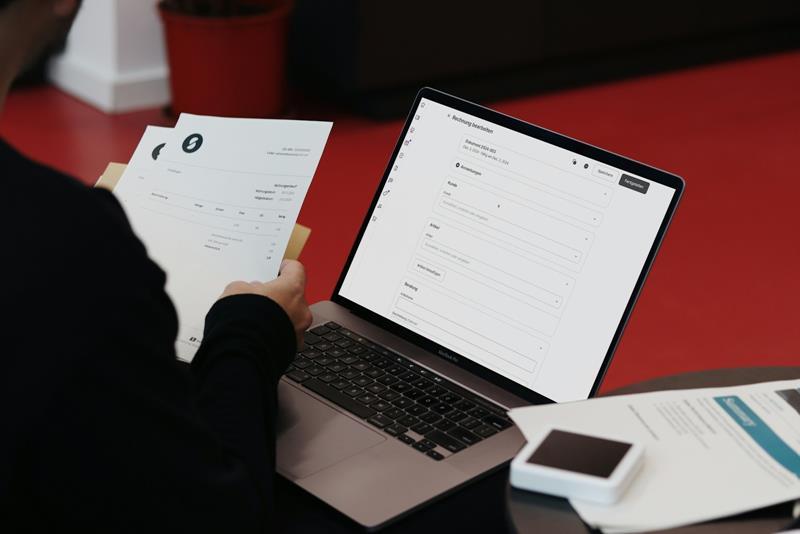
Purchase orders, invoices, packing slips, bills of lading and customs paperwork still arrive as PDFs and email attachments, and someone types them into the ERP. AI document processing reads them, including line items, checks the values against your purchase orders and part masters, and posts the approved data into your ERP. Anything it isn't sure about goes to a review queue.
What it needs: sample documents and access to your ERP through its API, a database import or a file it already reads. See AI ERP integration.
Where to start
The use cases that pay off first are not the most advanced ones. They're the ones where:
- The problem already costs you something you can measure: hours of manual reading and data entry, downtime, scrap, chargebacks.
- The data already exists. That's why document-based use cases (5, 6, 7 and 10) are often the quickest: the documents are already there. Plant-floor projects (1 and 2) often need a data-collection phase first.
- A person can review the output. AI handles the routine cases and sends anything uncertain to someone who knows the process. As results prove reliable on your data, you loosen the checks.
Start with one use case and run a pilot on your own data. In our projects a focused pilot takes 2 weeks or more, and a full integration into your systems 8 weeks or more, depending on scope. AI connects to the systems you already run, such as your ERP, MES and quality system, so there's nothing to replace. How to add AI to your existing software walks through the steps.
How we can help
SharpQuest is a software development company in Troy, Michigan, and automotive is one of the industries we've worked in since we started in 2009. We've built business systems for automotive suppliers such as TKS Industrial (Taikisha), a custom ERP system, and American MSC, a modernized MRP system, so we know the systems your data lives in.
For AI projects we:
- Read documents into your systems with dQuest.ai, our own document processing platform: material certs, PPAP files, POs, invoices, shipping documents, with a review step.
- Build assistants over your own documents on Azure OpenAI, in our Azure subscription or yours: engineering and quality knowledge search, RFQ review.
- Analyze the data you already have: scrap and process data, warranty claims, customer releases and supplier performance from your ERP, MES and quality systems.
- Connect AI to your ERP and other line-of-business systems through APIs or code changes.
See our AI integration services.
Frequently asked questions
Is AI in the automotive industry only about self-driving cars?
No. Autonomous driving gets the headlines, but automotive suppliers use AI in day-to-day operations: quoting, quality, maintenance, planning and document processing.
Which AI use case should an automotive supplier start with?
Start with a task that already costs you measurable time or money and where the data already exists. For many suppliers that's document work, such as reviewing RFQ packages, checking material certs or reading purchase orders and invoices into the ERP. These don't need new sensors or cameras.
Do we need to replace our ERP or MES to use AI?
No. AI connects to the systems you already run through their APIs, a database or files they already read. The AI reads, extracts or predicts, and the results go into your existing system.
Are our customers' drawings and specifications safe with generative AI?
They can be. With Azure OpenAI, your data isn't used to train the models, and the service can run in your own Azure subscription, so your IT team controls access. Decide up front which documents the assistant may use and who may ask it questions, and check your customers' confidentiality terms.
How long does an AI pilot take for an automotive supplier?
A focused pilot on one use case takes 2 weeks or more. A full integration into your systems takes 8 weeks or more, depending on scope. Plant-floor projects can take longer if sensor data or labeled images have to be collected first.
Have a manual process or a pile of documents you think AI could take on? Tell us about it and we'll suggest where to start. Contact us.


Join the discussion
No comments yet.
Leave a Reply